
Everything Lucy does today.
This page lists only what is available in the current release. You can follow upcoming features on the roadmap.
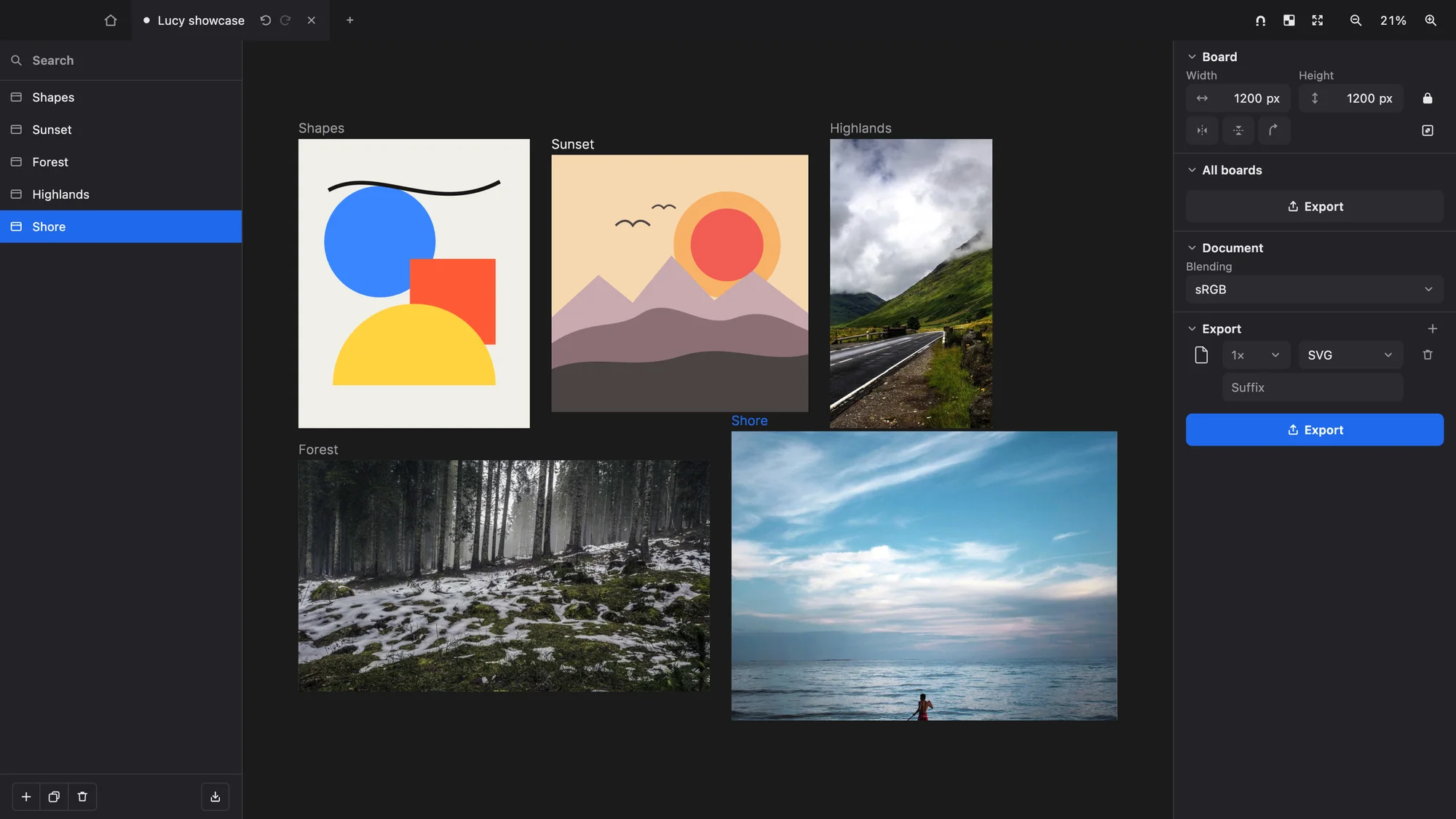
Infinite boards
A canvas without limits, holding as many boards as you need. Boards never overlap, and each one is a non-destructive view over its own layers.
- Boards are non-destructive viewports over layers of any size
- Rulers and draggable guides
- Snapping to alignments, smart guides and even spacing
- A haptic click on the macOS trackpad when something snaps
- Tabs for multiple documents, each with its own pixels, history and view
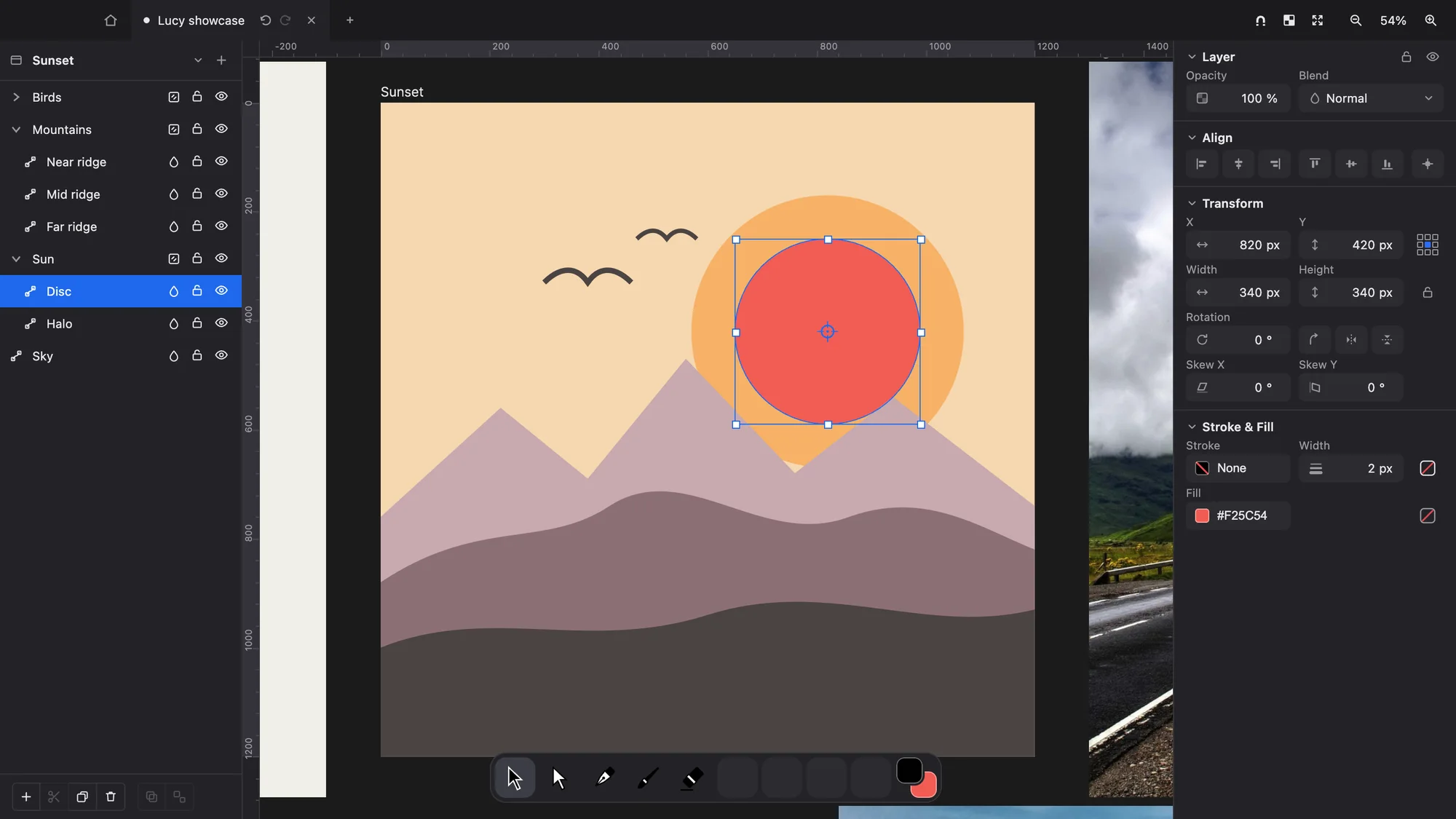
Layers and groups
Bitmap and vector layers live side by side. Organise them in groups as deep as you need.
- Reorder, rename, opacity, visibility and lock
- 27 blend modes
- Nested groups, isolated or pass-through
- Drag and drop in the Layers panel
- Move layers and groups from one board to another
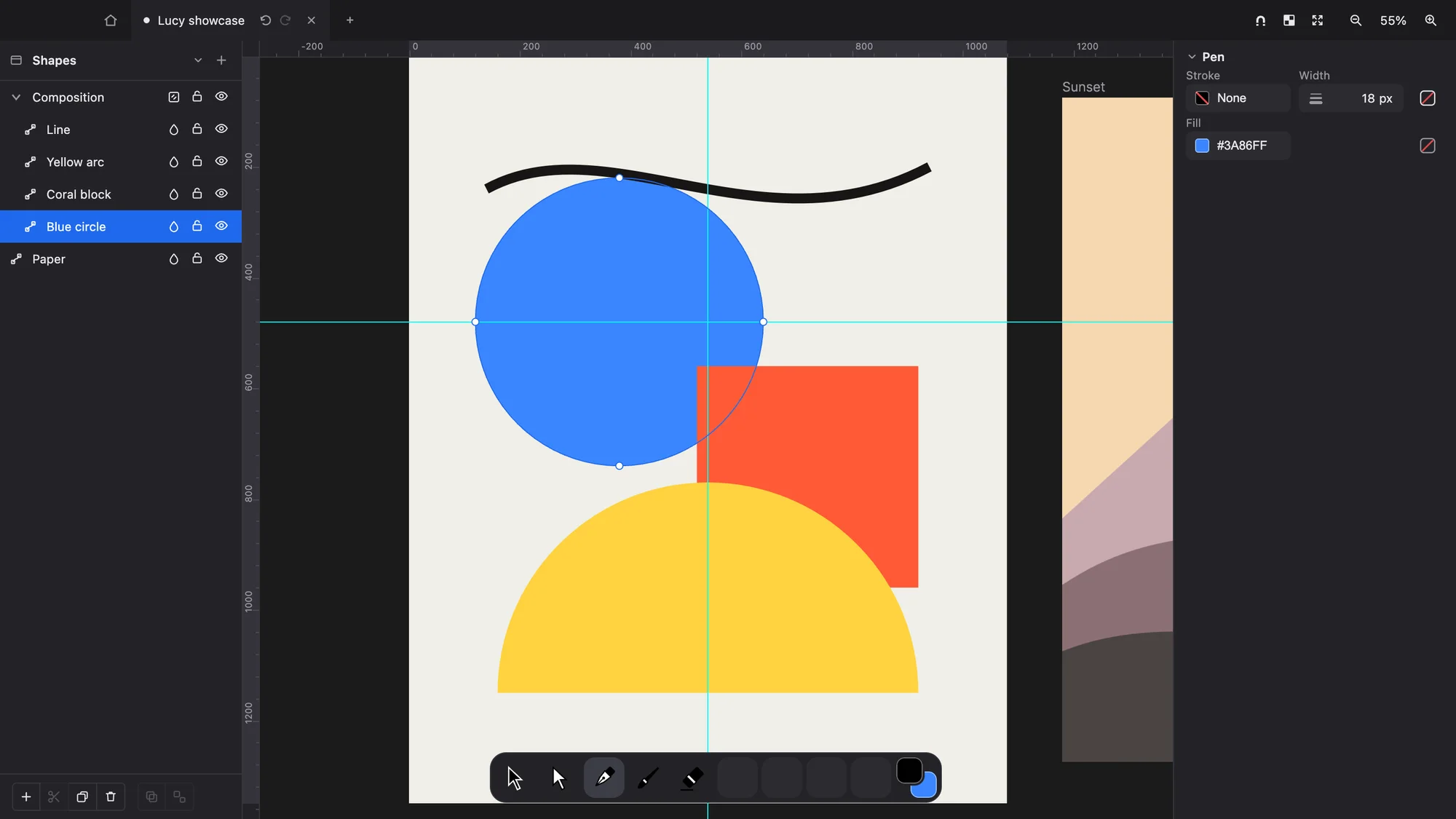
Vectors and paths
Anchor-based vectors are rasterized on the GPU with exact per-pixel coverage.
- Edges stay crisp at any zoom
- Exports are byte-identical every time
- A pen tool with stroke and fill
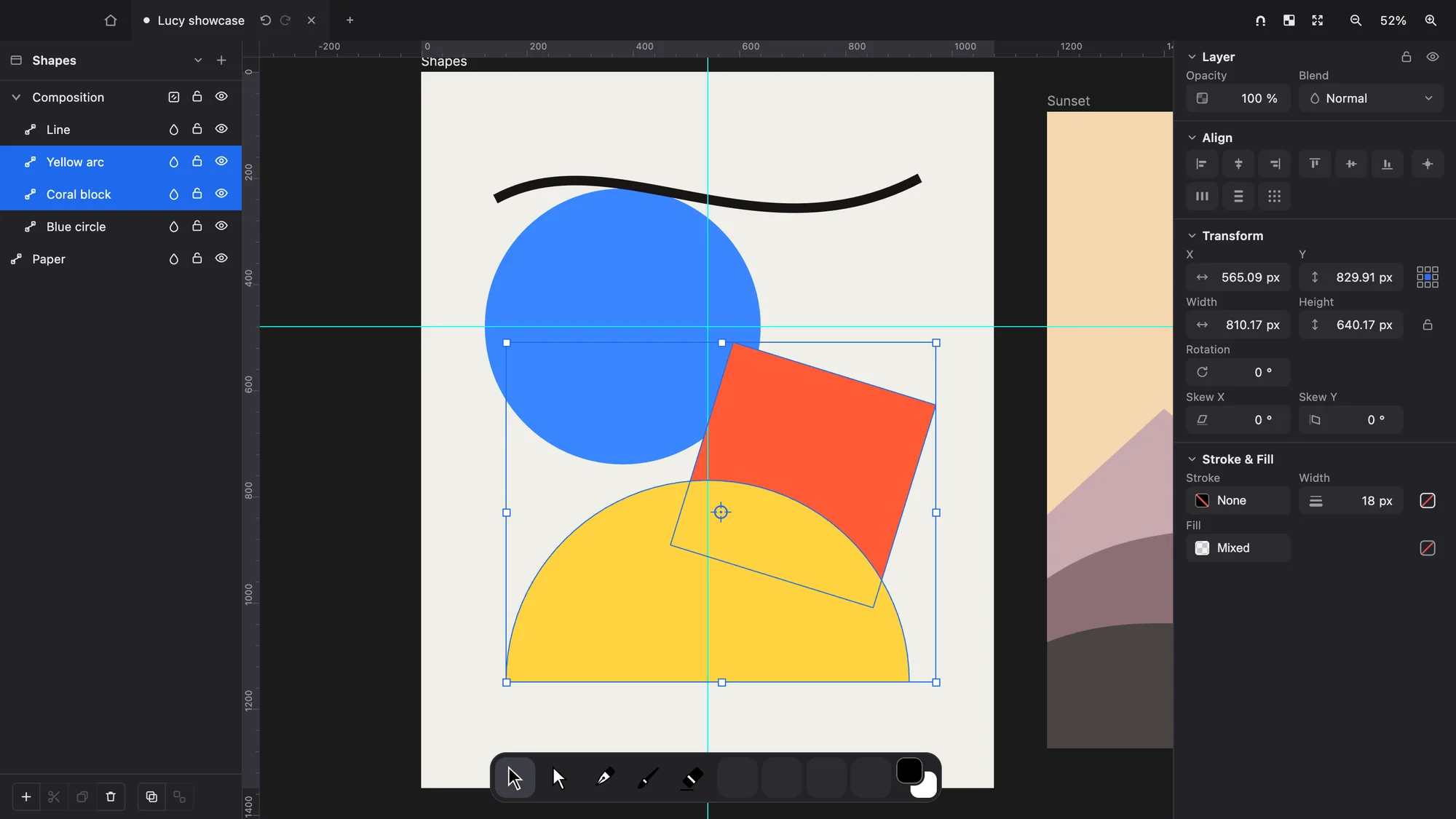
Transform
Work on one layer or many at once, with precise control over each transform.
- Move, scale, rotate and skew a multi-selection
- Reference points and aspect lock
- Align and distribute
- Nudge with the arrow keys
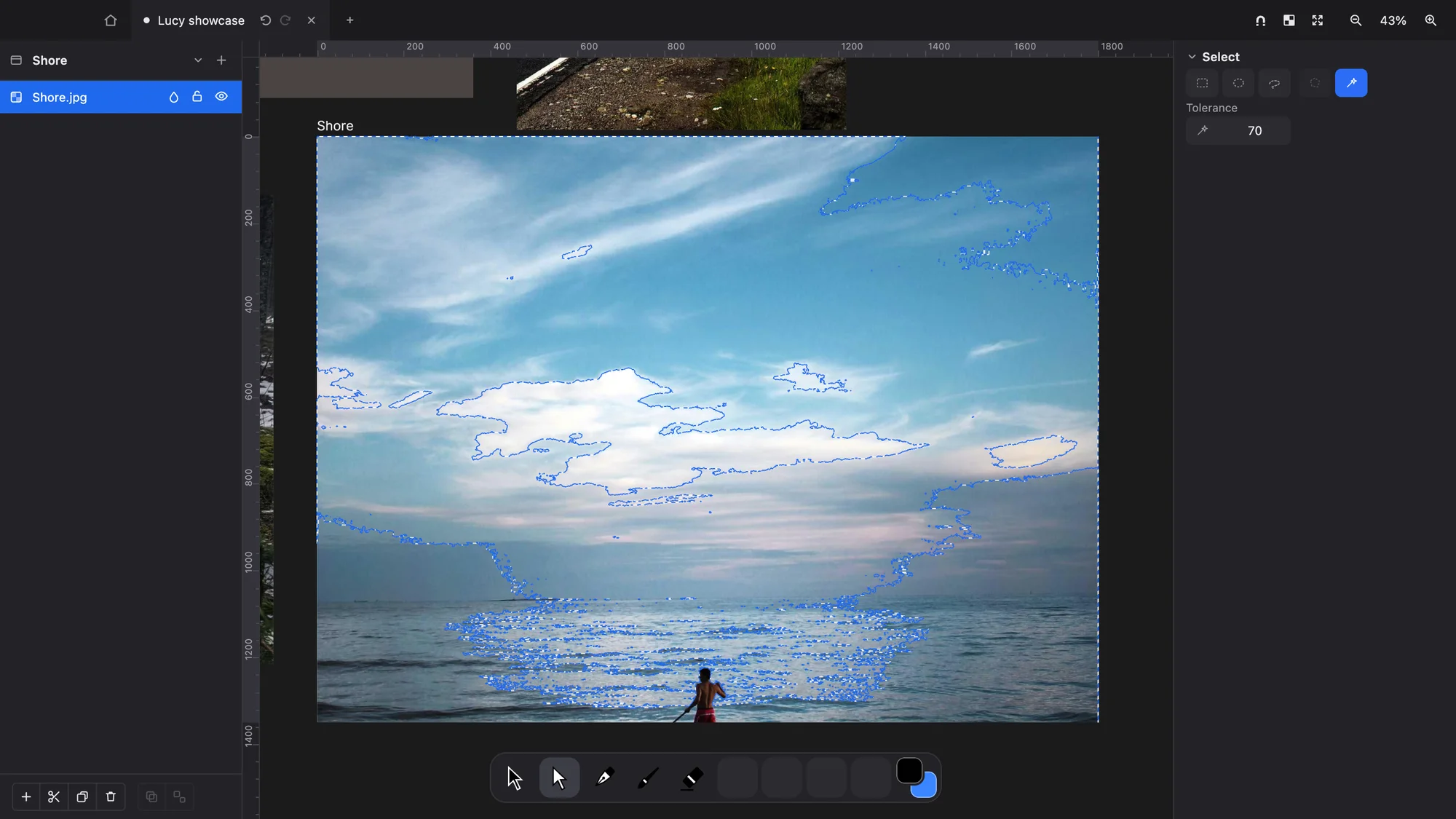
Pixel selection
One Select tool with four ways to choose pixels.
- Rectangle, ellipse, lasso and magic wand
- Transform what you selected
- Every selection step can be undone
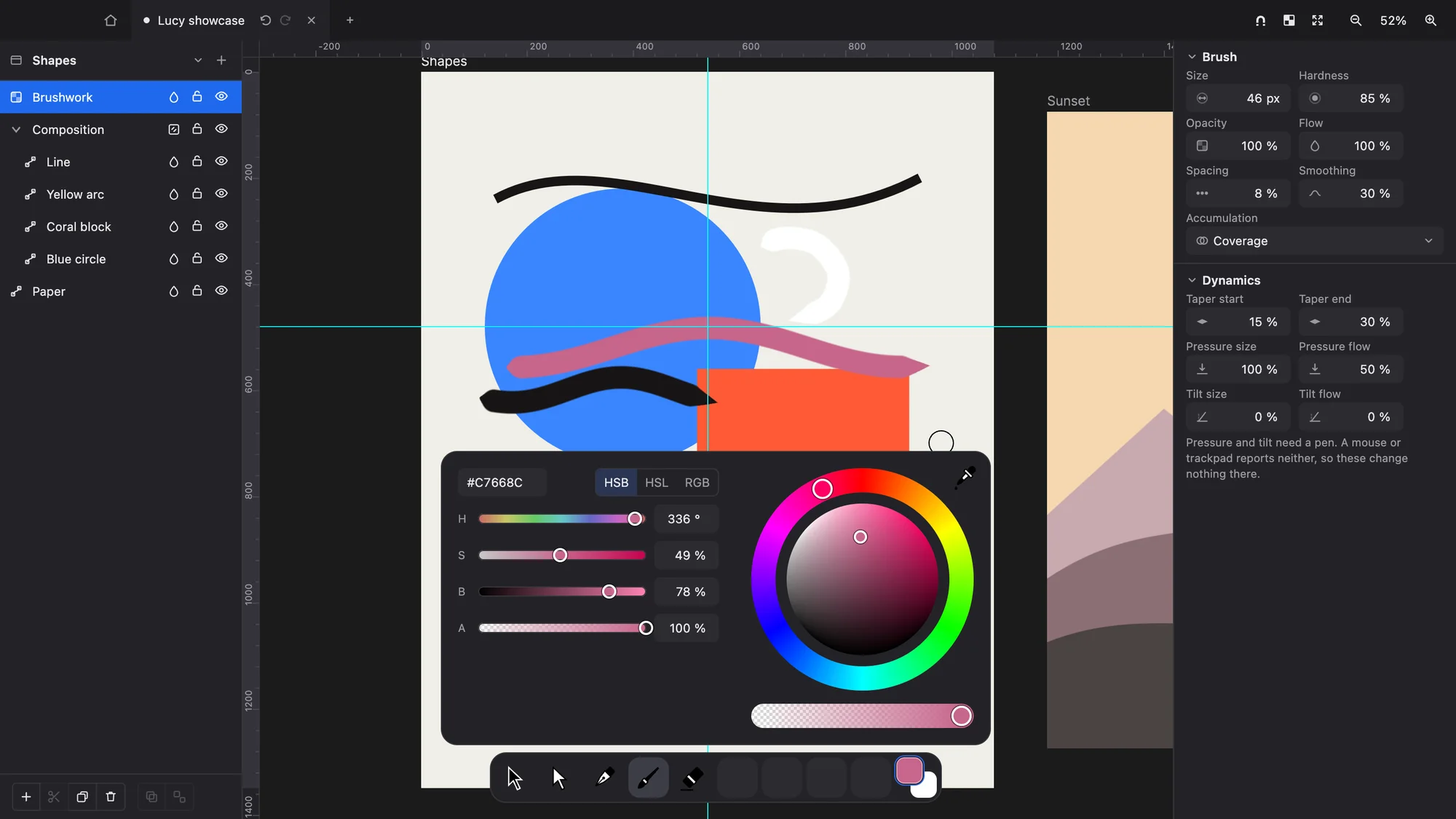
Painting and colour
A brush engine that runs on the GPU and responds to your pen.
- Stroke stabilisation
- Spacing, hardness, flow and opacity
- Pen pressure and tilt
- Eraser
- Each stroke is one undo step
- Colour panel with hue ring, saturation/brightness disc, HSB, HSL and RGB values, alpha and an eyedropper
Huge images
Work on documents larger than your GPU can hold in a single texture.
- Images well past 100 megapixels
- Full resolution wherever you are looking
- Render cost depends on what is on screen, not on the size of the document
Undo and crash recovery
Every document is protected, even if you never saved it.
- Undo and redo for every document
- Crash recovery for saved, untitled and imported documents
- After a crash, the next launch reopens your unsaved work
- Lucy asks before you quit with unsaved changes
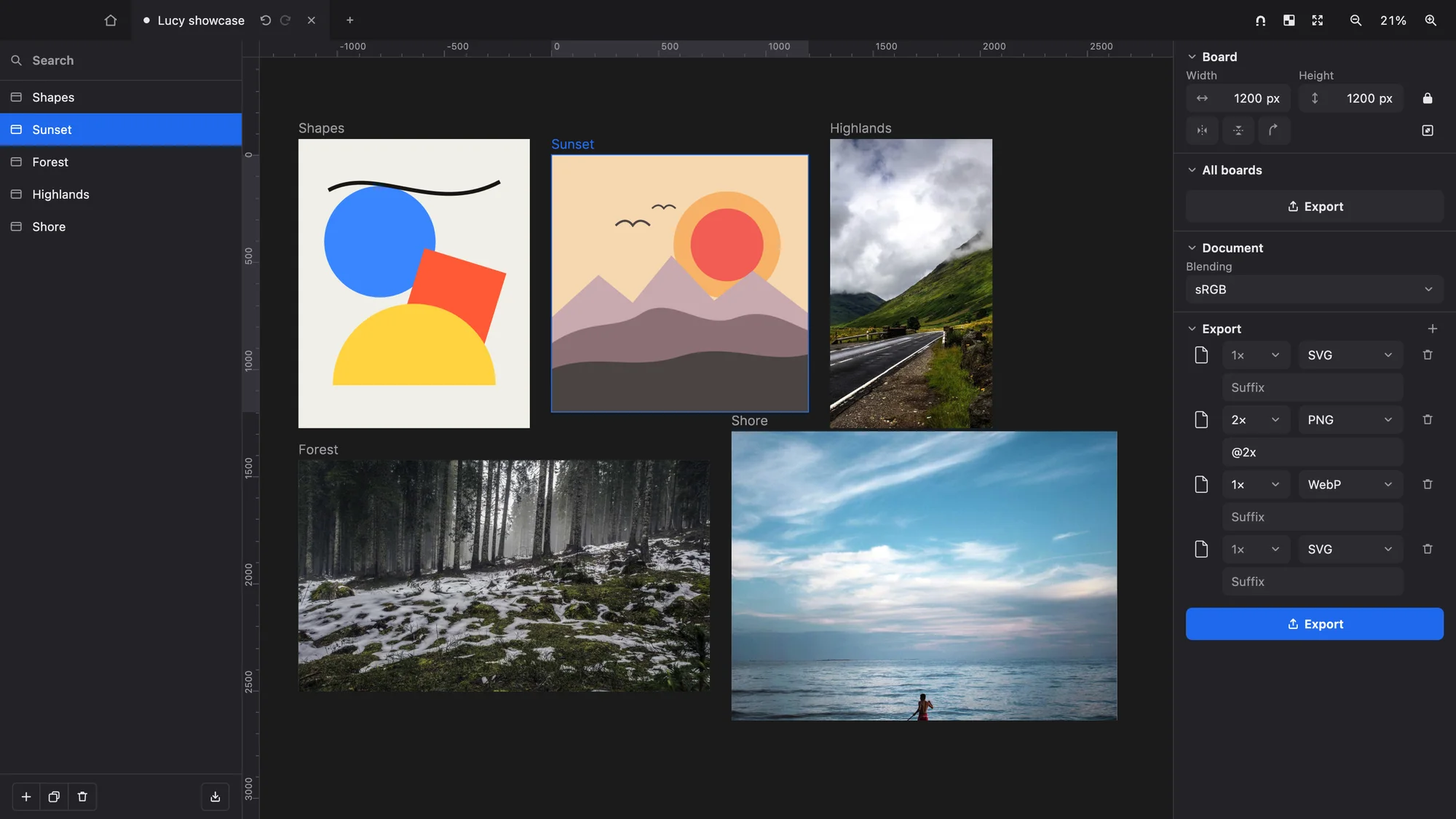
Files
Open the images you already have, and export each board separately.
- Opens PNG, JPG, WebP, GIF, BMP, AVIF and ICO
- Opens SVG with its structure intact
- Import a whole folder or several files at once
- Export each board to PNG, JPG, WebP or SVG
- Native .lucy file format
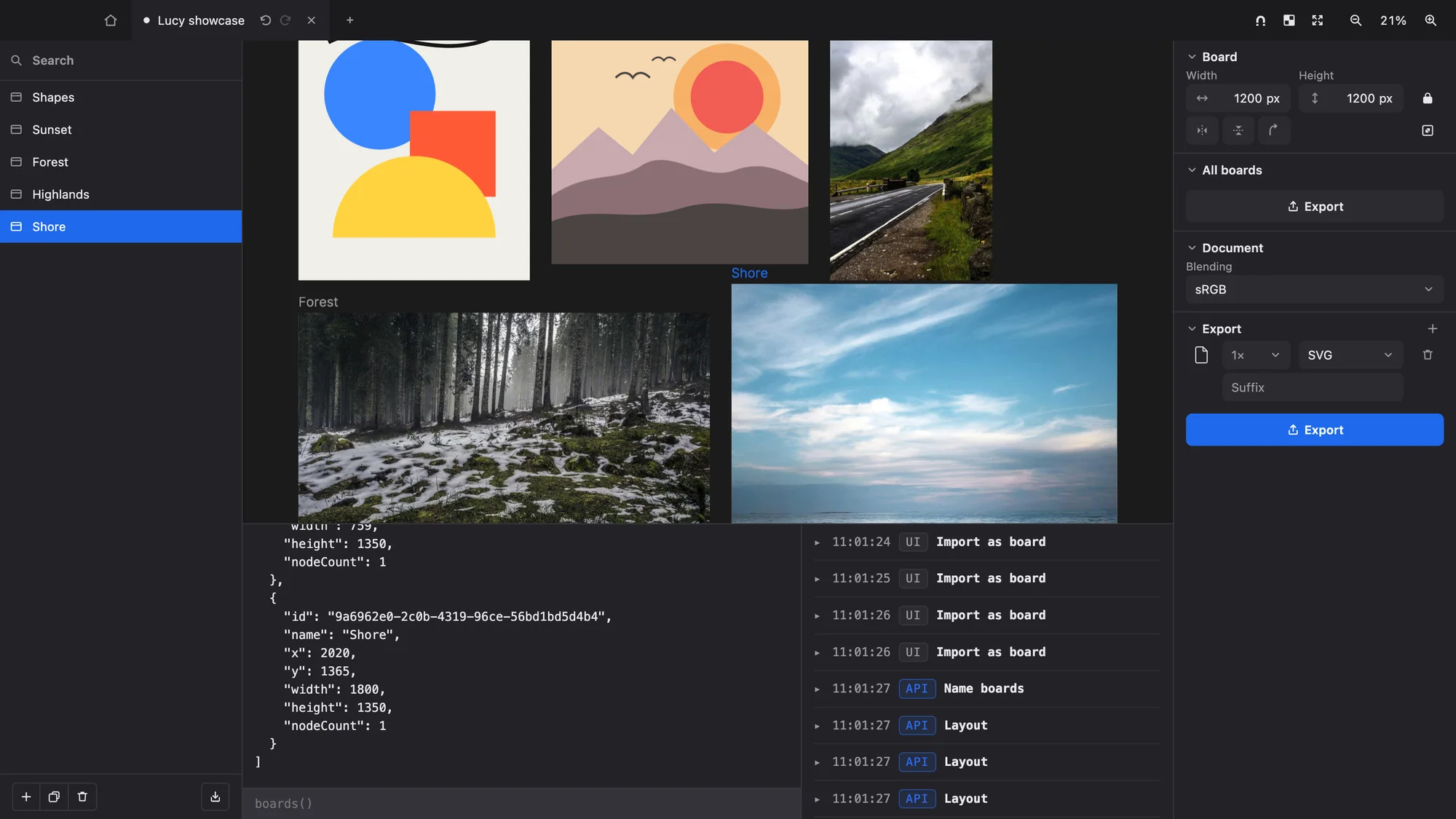
Scripting
Every change you make to a document is an operation that can be saved, sent and undone.
- An in-app console for running operations
- An external command line that drives the same operations
- A foundation for scripting, AI agents and future collaboration
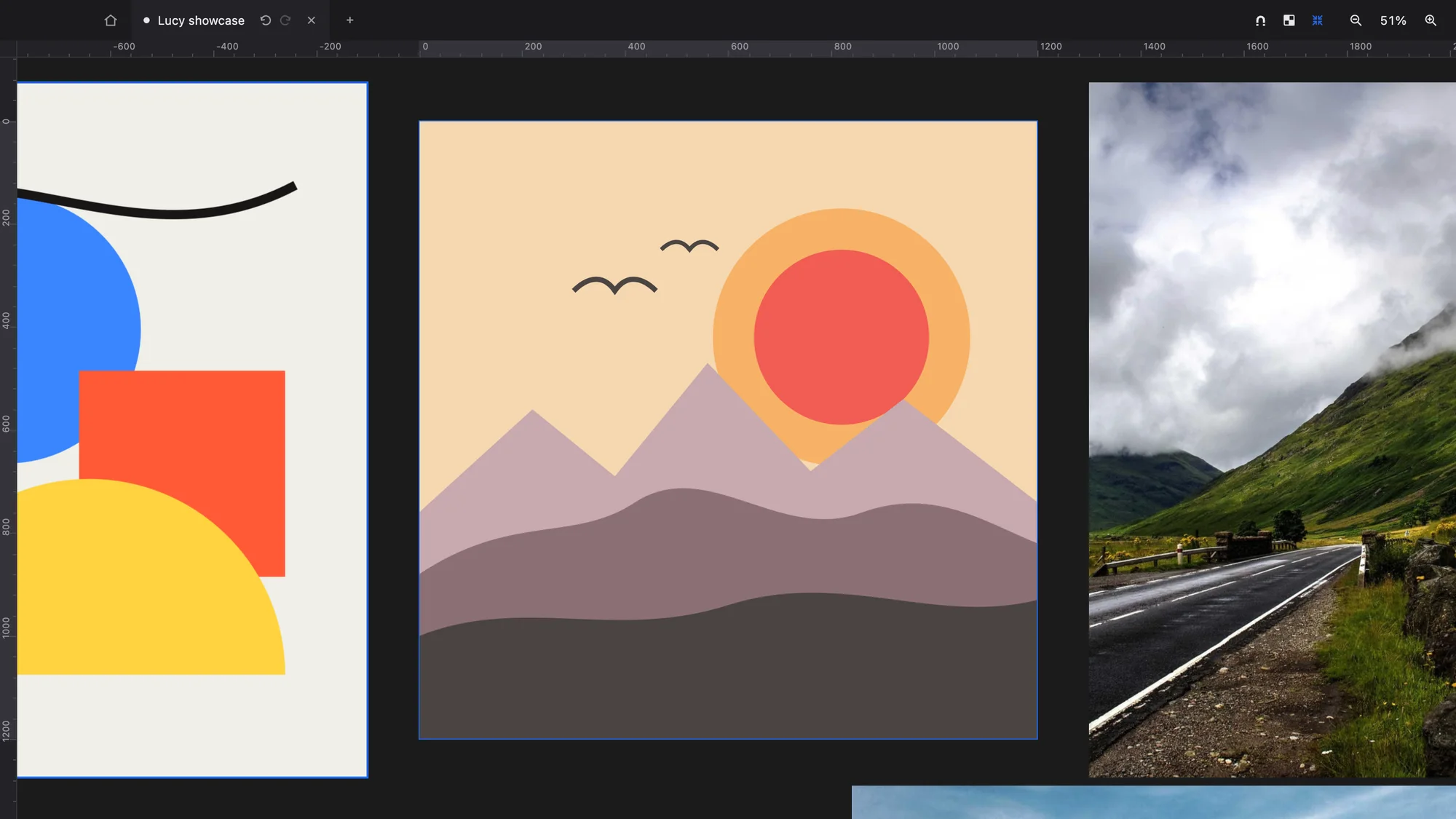
A minimal interface
The canvas is the interface. The controls around it stay compact and out of the way.
- A fixed nine-slot tool dock bound to keys 1 to 9
- Drag a tool into a slot to rebind it
- Distraction-free mode
- macOS full-screen support
- A dark theme that follows your system