
Text layers
A shaping and layout engine for typography is under way.

Design, illustrate and edit your images in one place. Lucy keeps up with every idea, so you can focus on making something you love.
macOS · Windows · Linux
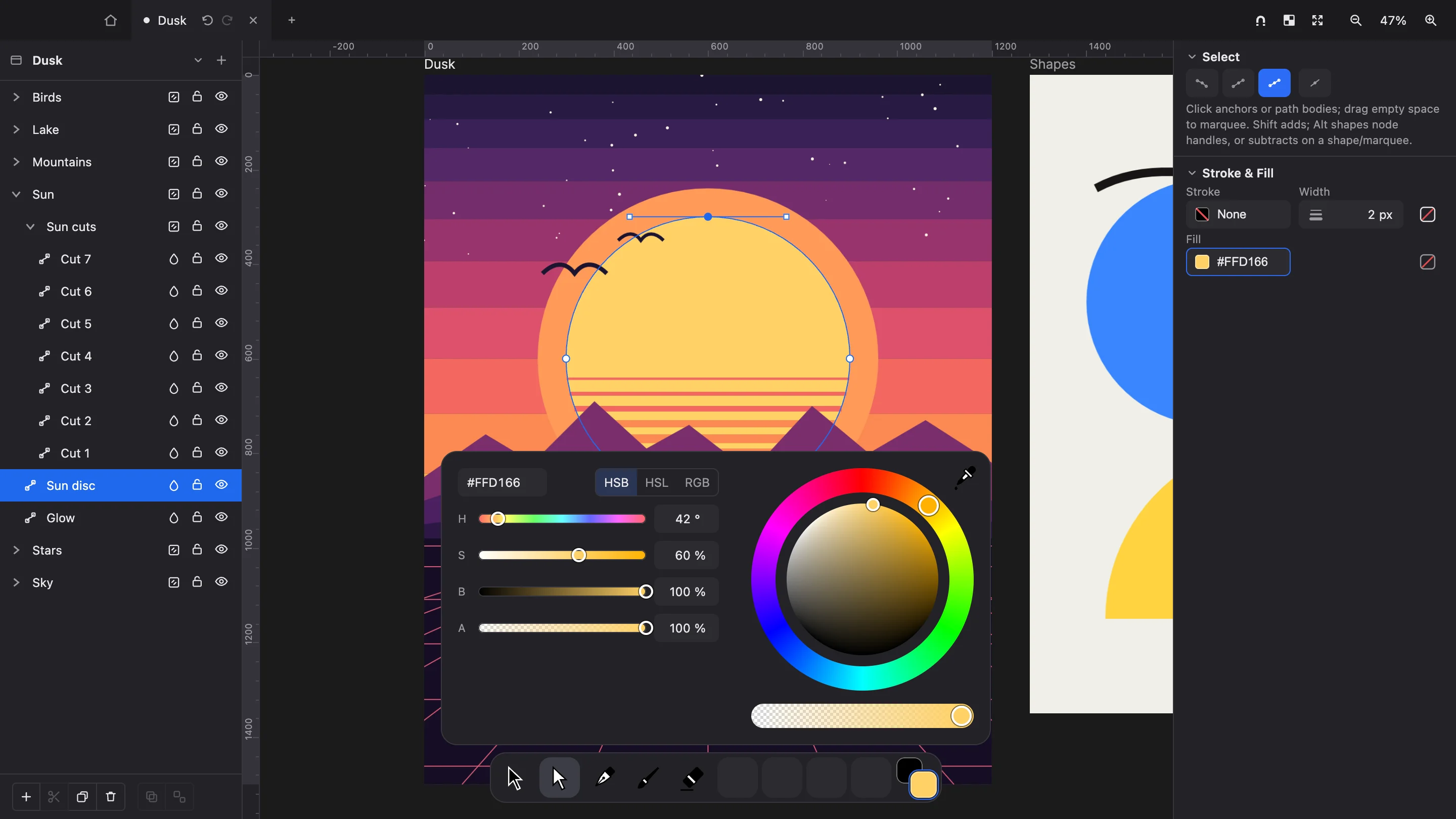
Lucy keeps every kind of content on the same canvas, so you never leave your work to change tools.
Lay out as many boards as you need on a canvas without limits. Each one is a non-destructive viewport over layers of any size, with rulers, draggable guides and snapping to alignments, smart guides and even spacing. On macOS, the trackpad gives a small haptic click when something snaps.
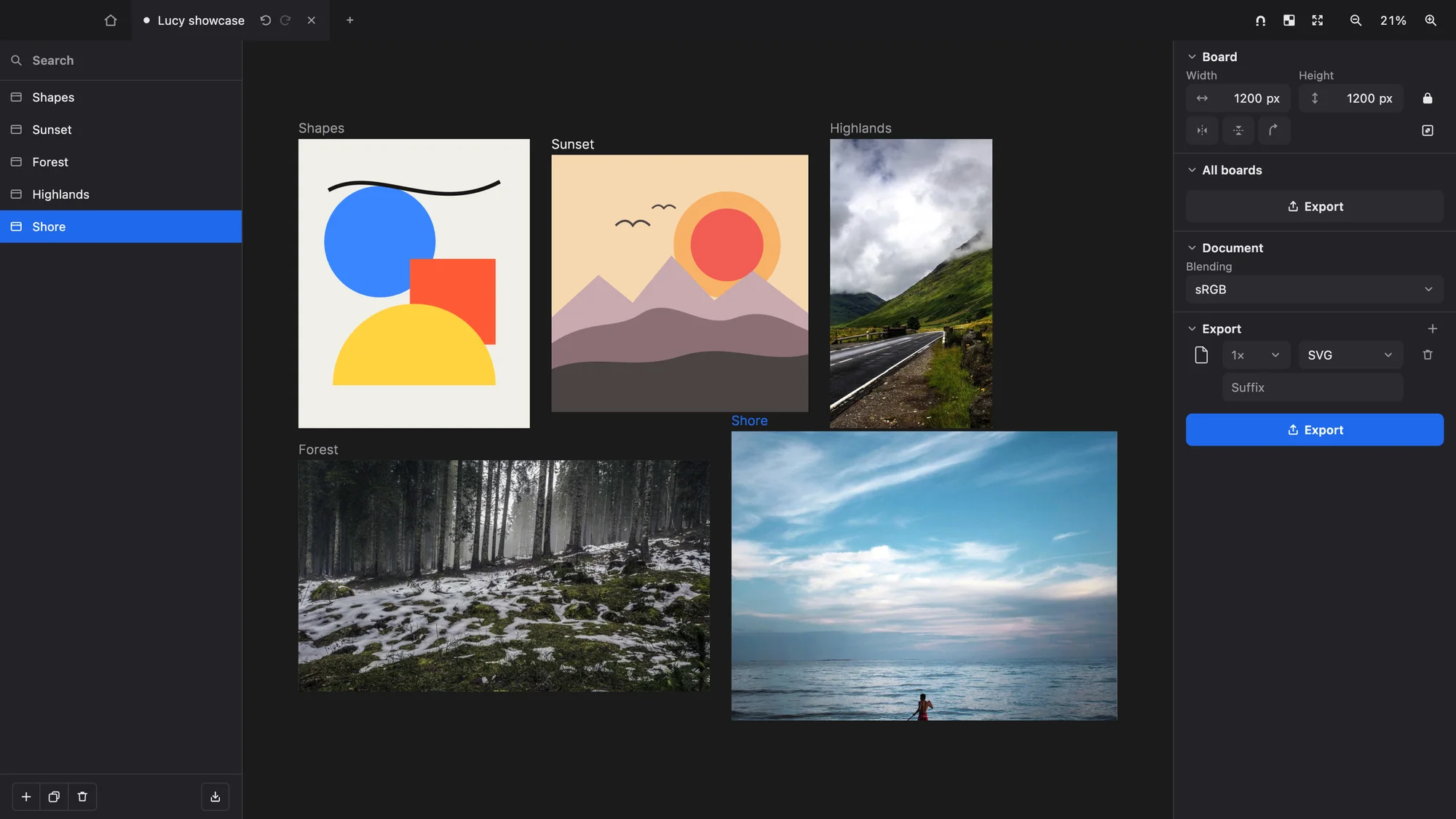
Anchor-based shapes are rasterized on the GPU with exact per-pixel coverage, so edges stay crisp at any zoom and exports are byte-identical every time. Draw paths with the pen tool and give them a stroke and a fill.
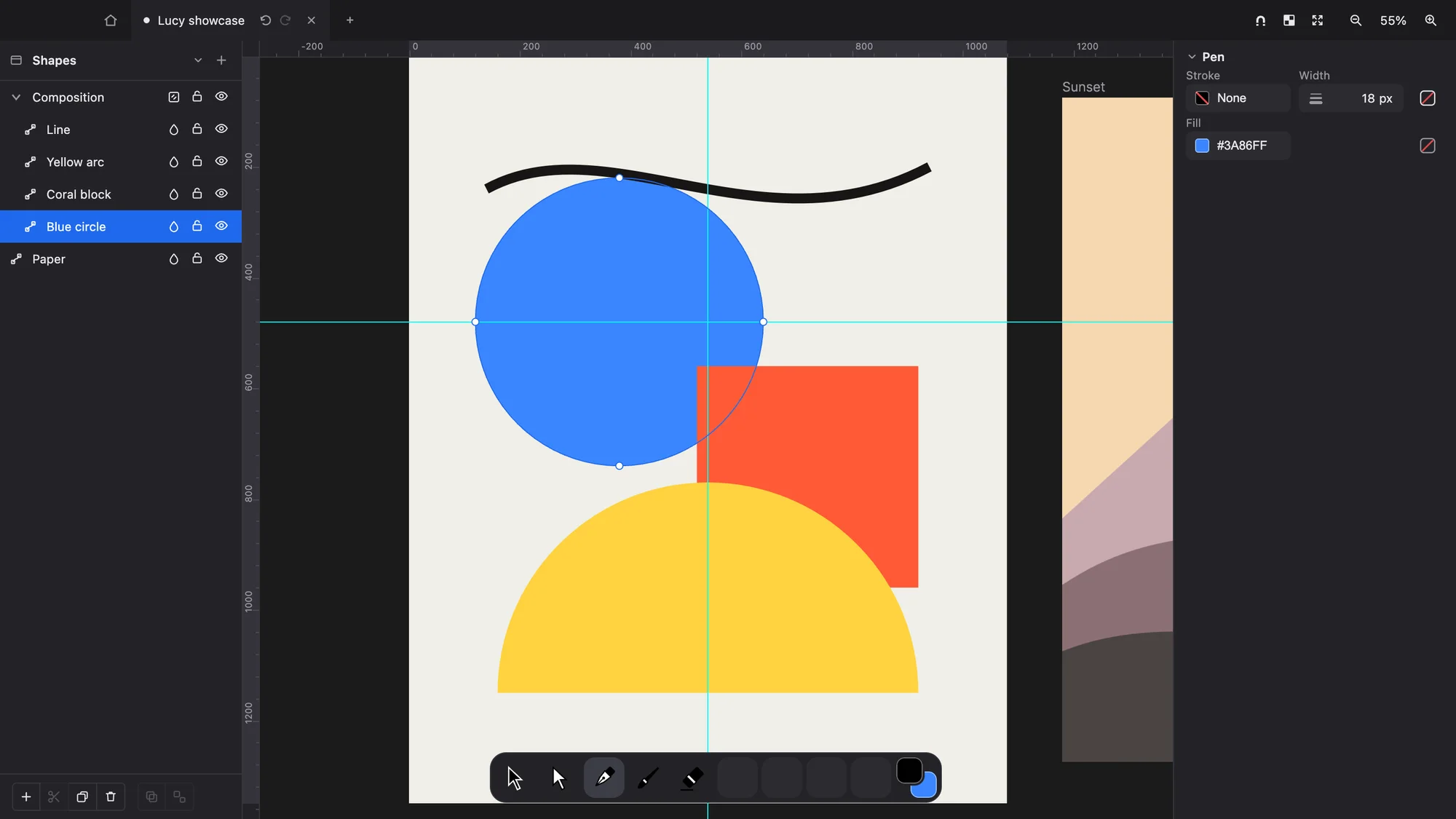
Select with rectangle, ellipse, lasso or magic wand, then move, scale, rotate or skew the selection. Mix layers with 27 blend modes and nest them in groups, either isolated or pass-through.
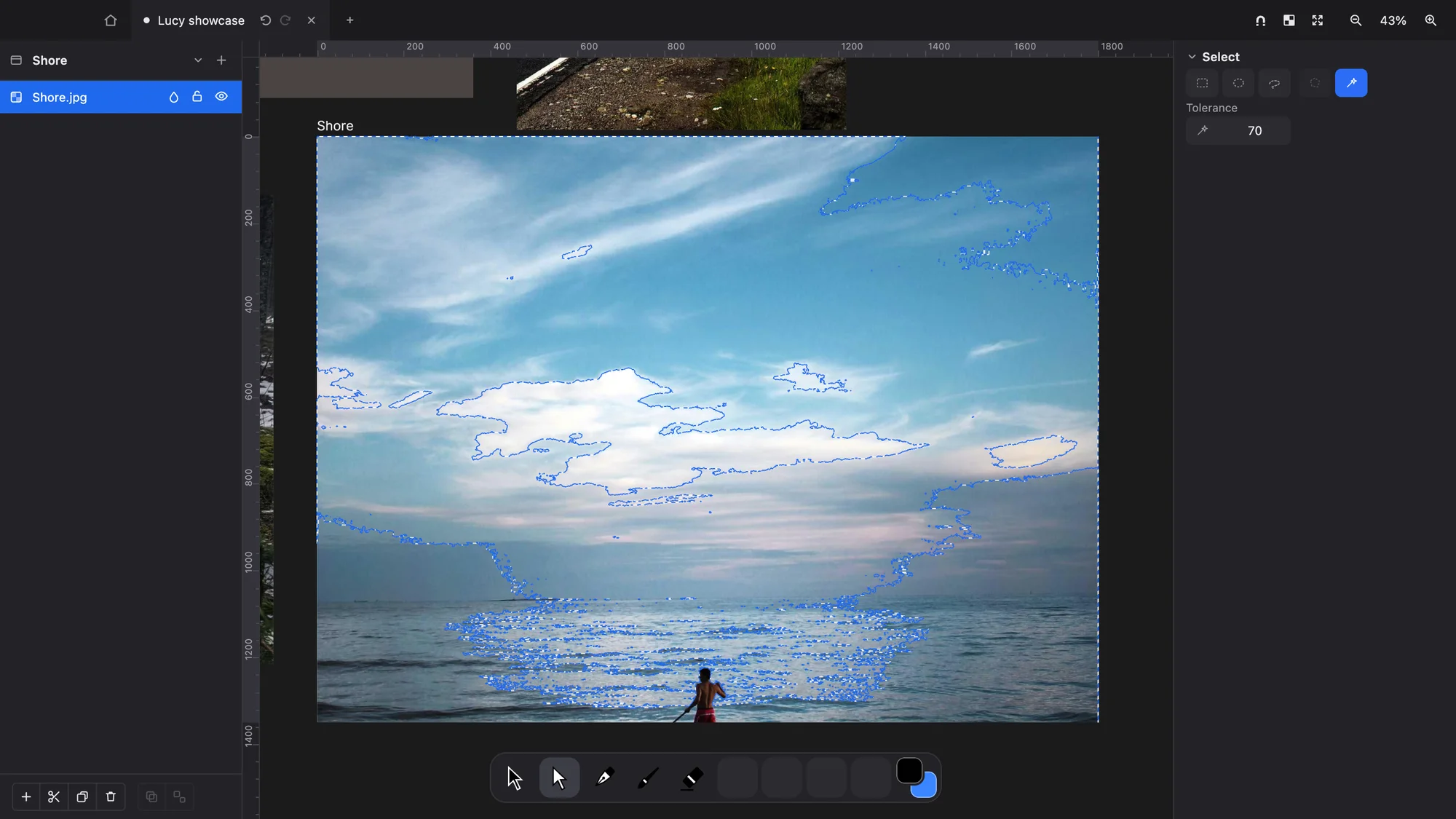
Strokes are stabilised as you draw, and you control spacing, hardness, flow and opacity. The brush responds to pen pressure and tilt and includes an eraser. Each stroke is a single undo step. Pick colours from a hue ring with HSB, HSL and RGB values, alpha and an eyedropper.
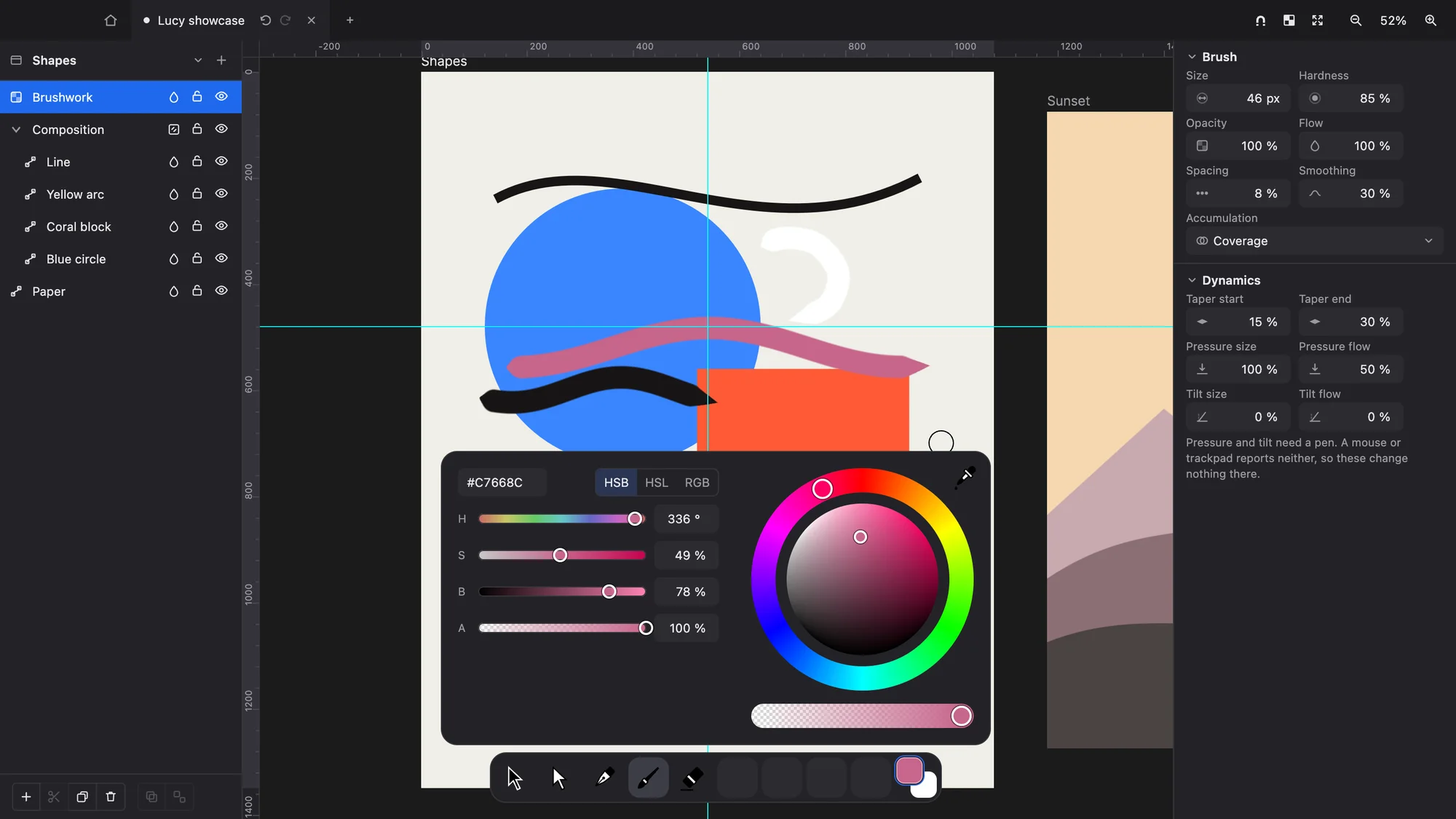
Compositing, blending and vector rendering run on the GPU through WebGPU. Panning and zooming never recomposite your layers, so the canvas stays smooth however many layers you have.
Open documents larger than your GPU can hold in a single texture, well past 100 megapixels. Lucy keeps full resolution wherever you are looking.
Every document has undo, redo and crash recovery, whether it is saved, untitled or imported. If the app ever crashes, the next launch reopens your unsaved work.
Tools live in a fixed nine-slot dock bound to keys 1 to 9, like a game’s action bar. Drag a tool into a slot to rebind it. When you need more room, distraction-free mode hides the panels.
Every change to a document is a serializable operation you can undo. You can run them from the in-app console or an external command line. This is what scripting, AI agents and future collaboration will build on.
Open common image formats, including SVG with its structure intact, or import a whole folder at once. Export each board separately, and save your work as a .lucy file.
Lucy treats every kind of content the same way: it becomes a texture that the compositor blends with the rest. That shared foundation is what lets it grow beyond still images.
Animate properties over time on the same layers you design with.
Turn the boards on your canvas into a slideshow.
Render 3D scenes into textures that sit on the canvas next to your other layers.
These are where Lucy is headed. None of them is available yet.
A shaping and layout engine for typography is under way.
Lucy is free for personal and commercial work, on every device you use. Download it for your platform.
Apple Silicon
x64
Debian · x64